On-Device AI
The Snore Detection App That Stays on Your iPhone
Snollo classifies snoring, breathing, coughing, and sleep talking on your iPhone — and saves short clips so you can hear exactly what your nights sound like.
Snollo classifies bedroom audio on your iPhone — what gets saved goes to your own iCloud, under your Apple ID. Free to download; snore detection included on the free tier.
Free download, core features free. Optional Premium: 3-day free trial, then $39.99/year.
iPhone · iOS 18+ · Apple Watch optional
Short answer: Snollo is an iPhone snore detection app that classifies snoring, breathing, coughing and sleep talking on-device. Each detected event gets a timestamp, a confidence score and a short playback clip, and the clips you keep sync to your own iCloud under your Apple ID. Free to download; snore detection is included on the free tier. Requires iOS 18 or later; an Apple Watch is optional. Curious what you say at night? Here's how to record sleep talking on iPhone.
What a snore detection app should actually do
Classify, don't just record
Recording 8 hours of audio gets you a haystack. A useful snore detection app classifies sounds in real time — so by morning, you have a timeline of snore events, not raw audio you'd never listen through.
Let you play the clips back
Reading 'you snored 47 times' is abstract. Hearing one of the actual snores tells you immediately whether it's the loud, sleep-apnea-suggestive kind or the soft kind that's barely worth tracking. Snollo saves short clips, free tier included.
Show intensity over time, not just counts
Snoring isn't binary. A useful app shows snore intensity throughout the night, so you can see whether it gets worse when you sleep on your back, after wine, or in certain phases of the night. Patterns are how you find what helps.
Keep your bedroom audio out of the cloud
Many snore apps upload your audio to their servers for processing. Snollo classifies the audio on your iPhone instead, and the clips you save go to your own iCloud — under your Apple ID, across the Apple devices you sign into. For the most intimate audio any app could collect, that's the right default.
What Snollo detects
Snollo's on-device model is trained to classify several distinct nighttime sound categories. Each detected event gets a timestamp, a confidence score, and a short playback clip.
Snore Detection App Comparison
How the major iPhone snore detection apps compare on accuracy and playback.
| App | Detection | Snore playback | Apnea risk |
|---|---|---|---|
| Snollo ★ | On-device classification | Yes, free | Risk indicators |
| SnoreLab | On-device (optional Cloud Backup) | Yes, free (limited) | Not stated |
| Sleep Cycle | Not stated | Premium only | Not stated |
| Pillow | On-device | Premium only | Not stated |
| ShutEye | Not stated | Limited | Not stated |
Based on publicly available App Store listings as of May 2026.
Related
Free assessment
Sleep apnea risk test
If your snoring concerns you, take the validated STOP-BANG questionnaire — 60 seconds, no email.
No watch needed
iPhone-only sleep tracker
Track sleep with just your iPhone — no Apple Watch needed.
Privacy
The most private sleep tracker
Why on-device audio processing matters when the microphone is in your bedroom.
From the Snollo blog
Guide
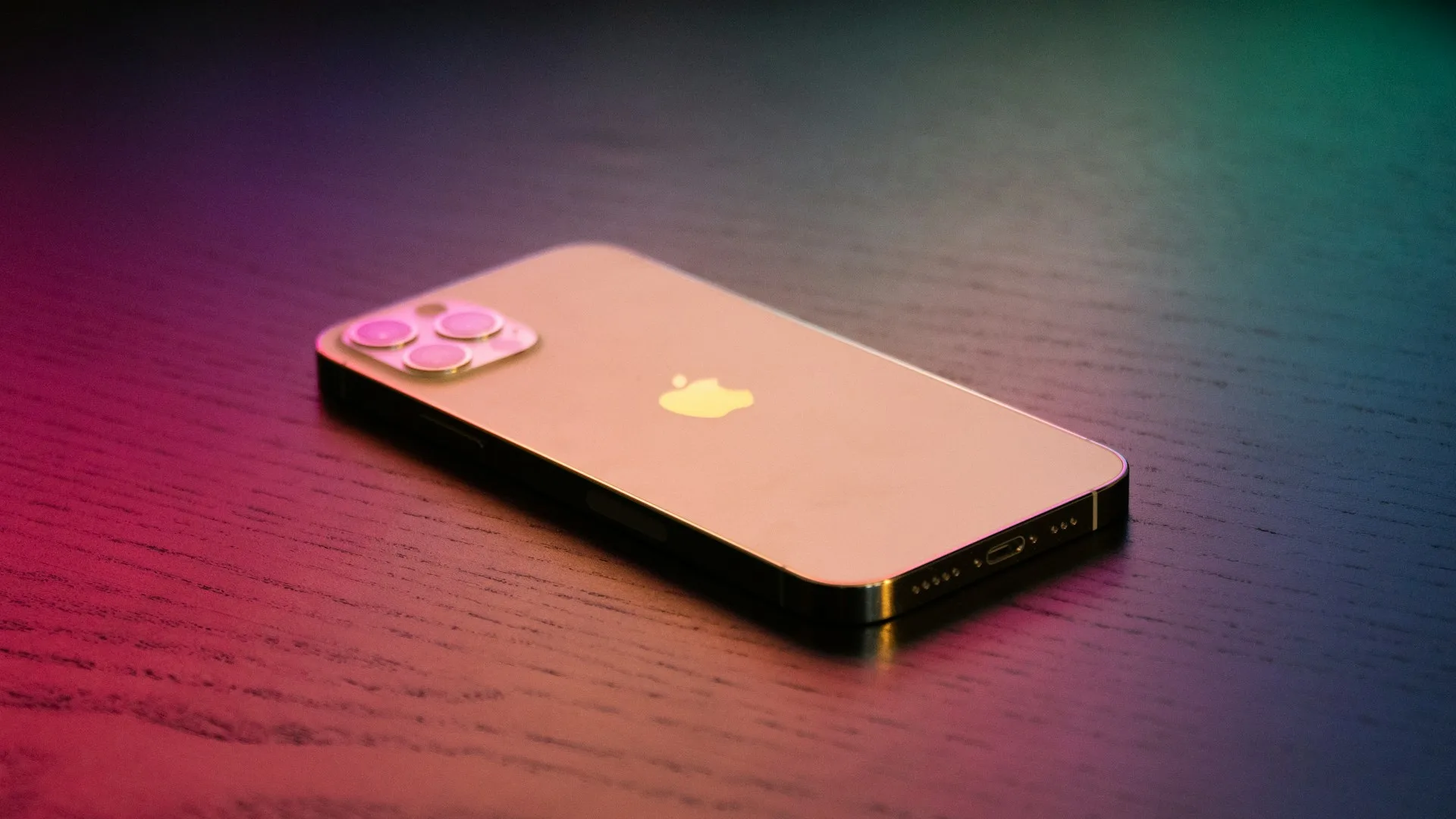
How to Record Snoring on iPhone (4 Steps, Private & Free)
Record snoring on iPhone with an app that processes audio on-device. Four steps — including what to check to protect your bedroom privacy.
Guide
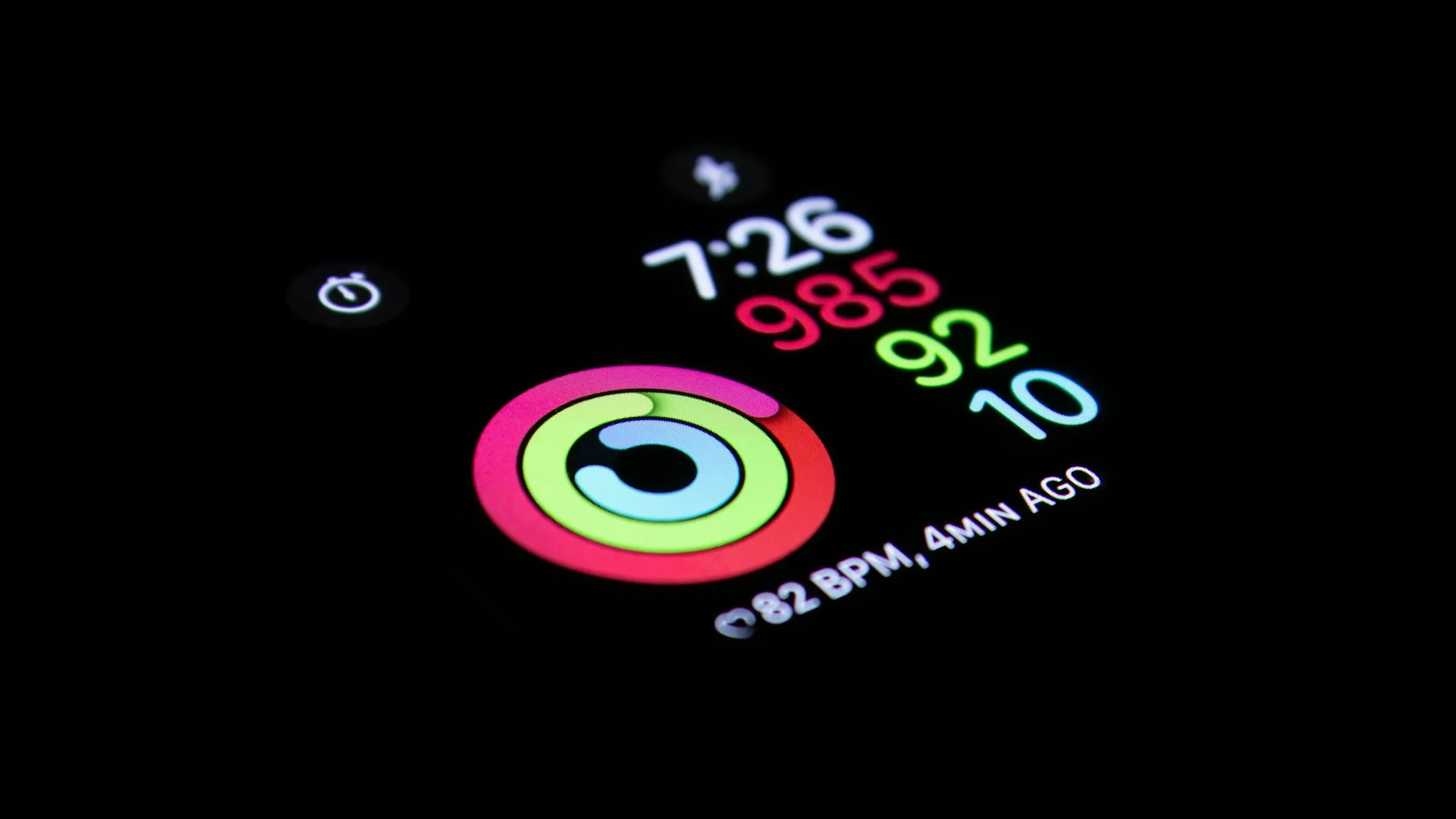
Does Apple Watch Track Snoring? (No — Here's the Fix)
Apple Watch doesn't record snoring — it tracks motion, heart rate, and breathing. What it measures, what it can't, and how to add snore detection.
Guide
SnoreLab Alternatives: The Best Snore-Tracking Apps to Switch To (2026)
Looking for a SnoreLab alternative? Compare the best snore-tracking apps for iPhone on free-tier limits, audio privacy, and playback — including on-device options that don't upload your audio.
Snore Detection — FAQ
What is the best snore detection app for iPhone?
How accurate is iPhone snore detection?
Does a snore detection app actually record me snoring?
Can a snore detection app diagnose sleep apnea?
Is there a free snore detection app for iPhone?
Will a snore detection app drain my iPhone battery?
Find out exactly what you sound like tonight
Free download. On-device AI. Snore clips saved to your own iCloud, under your Apple ID — no separate Snollo account.
DownloadFree download, core features free. Optional Premium: 3-day free trial, then $39.99/year.
iPhone iOS 18+ · On-device AI · Free to download