Quick Answer (TL;DR)
Open the App Store, download Snollo (free), place your iPhone face-down on your nightstand within 1–3 feet of your head, tap Start Session before bed, and review your results in the morning. The app classifies snoring, breathing, coughing, and sleep talking in real time — all on-device, with no audio leaving your phone.
Key Takeaways
- Habitual snoring is common (about 44% of men and 28% of women aged 30–60 in one long-running study); occasional snoring triggered by a cold, alcohol, or sleep position is common and usually not a cause for concern. (Young et al., NEJM 1993; MedlinePlus)
- Snoring accompanied by gasping, choking, or breathing pauses warrants a conversation with a doctor, as these can be signs of obstructive sleep apnea (OSA). (NHLBI)
- Sleeping on your back worsens snoring; approximately 56% of OSA patients have position-dependent breathing events that are significantly worse in the supine position. (PMC)
- Alcohol relaxes upper-airway muscles and worsens snoring; research shows it increases the duration and frequency of airway obstruction events during sleep. (PMC)
- Apple Watch Series 9, Ultra 2, and SE 3 (and later) carry FDA-cleared breathing disturbance detection — a separate, wrist-based signal that complements microphone-based snore recording. (Apple Support)
- A dedicated snore detection app classifies sound events automatically; using Voice Memos alone leaves you with 6–8 hours of unclassified audio.
What You Need
- An iPhone (any model running iOS 18 or later)
- A snore detection app — this guide uses Snollo (free, uses your Apple ID)
- Optional: Apple Watch for more accurate sleep stage data and heart-rate charts alongside snore detection
- Optional: A phone charger at your nightstand
That’s it. No external microphone, no specialized hardware, nothing to pay to get started.
Step 1: Download a Snore Detection App
Open the App Store and search for “Snollo” — or tap here to go directly to the App Store page.
Snollo is free to download. It uses the Apple ID you already have — no separate Snollo account, no email. When you open it for the first time, it will ask for microphone permission — tap Allow so the app can detect sounds overnight.
Why not just use Voice Memos? The built-in Voice Memos app records raw audio continuously, which means you’d wake up with 6–8 hours of unfiltered audio and no way to find the snoring events without listening through all of it. Dedicated snore detection apps classify sounds automatically in real time, so you get a timeline of events — not a haystack.
What to look for in any snore detection app:
- On-device audio processing (so bedroom audio stays on your phone)
- Timestamped sound clips you can play back
- Classification of different sound types (snoring, breathing, coughing, sleep talking)
- Sleep stage estimates alongside sound detection (more accurate with Apple Watch integration)
Step 2: Position Your iPhone
Where you place your iPhone affects detection quality. The microphone needs to be within range to pick up your breathing sounds.
Recommended positions (best to acceptable):
-
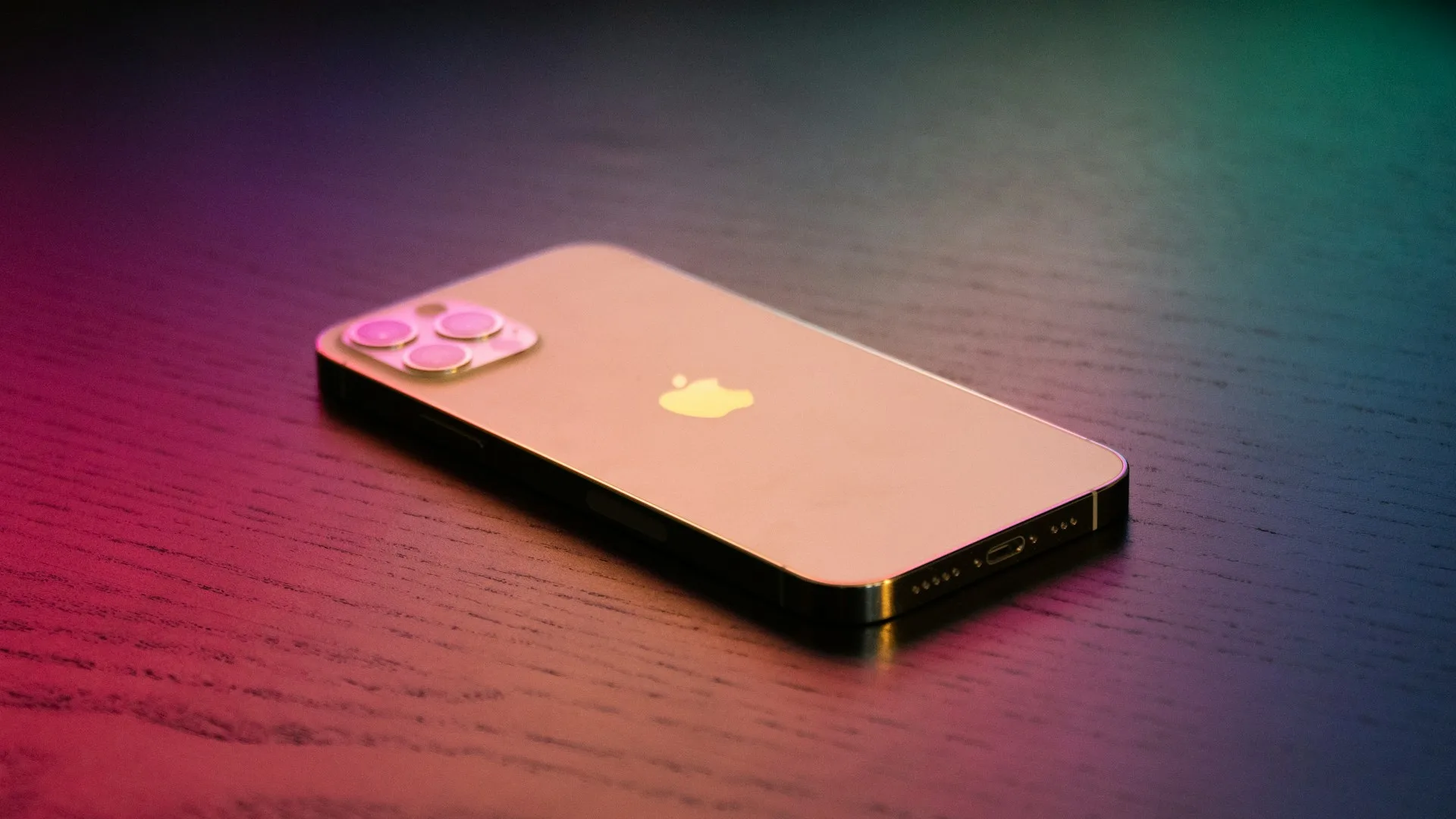
Face-down on the nightstand nearest your head — The most reliable option. Placing the phone face-down reduces pickup of ambient room noise (traffic, HVAC) while the bottom microphone (located near the charging port) captures sounds from the bed. Keep it within 1–3 feet of your head.
-
On the mattress near your pillow — Placing the phone on the mattress surface picks up vibration in addition to airborne sound, which can improve sensitivity. Use a silicone case so the phone doesn’t slide.
-
On a small stand pointing toward the bed — A $5 phone stand on the nightstand pointed toward your pillow works well and keeps the phone from being accidentally knocked over.
What to avoid:
- Placing the phone across the room (distance reduces sensitivity)
- Placing it in a drawer or under the pillow (muffles the microphone)
- Pointing it at the door instead of the bed (picks up hallway sounds instead)
If you use an Apple Watch, wear it to bed as usual — Snollo reads heart rate, HRV, blood oxygen, and motion data through Apple Health to produce heart-rate, breathing-rate, and SpO2 charts alongside your snore detection. Without a Watch, Snollo still estimates sleep duration and Light, Deep and REM sleep from the iPhone’s microphone and motion sensors, so grant both Microphone and Motion & Fitness permissions when prompted — without them, the iPhone-only mode can’t fill in stage detail. Phone and watch stages are estimates; the most accurate way to measure sleep stages is an overnight sleep study (polysomnography), which records brain waves (EEG), eye movements (EOG) and muscle tone (EMG) (NHLBI).
A note on sleep position and snoring: Research shows that sleeping on your back (supine position) worsens snoring for most people because gravity pulls the tongue and soft palate toward the back of the throat. Side (lateral) sleeping is associated with significantly less snoring in non-apneic individuals. (PMC) Tracking which nights you snore most may reveal a positional pattern worth acting on.
Step 3: Start a Sleep Session
Open Snollo before bed and tap “Start Session” (or your app’s equivalent). This activates the microphone listener and begins real-time audio classification.
A few things to confirm before you sleep:
- Do not put your phone on Do Not Disturb or Silent during setup — finish configuring, then switch to DND after starting the session. Most sleep tracking apps have their own DND-equivalent that suppresses notifications without closing the recording.
- Leave Snollo open (or in the background) — Modern iOS background audio permissions allow the app to continue processing while the screen is off. Snollo is designed to run in the background throughout the night.
- Plug in your charger — If you’re concerned about battery drain, plug in before you sleep. Most iPhones lose 10–15% overnight during active sleep tracking.
That’s it. Put your phone down. Sleep normally.
Step 4: Review Your Results in the Morning
Open Snollo when you wake up. You’ll see:
The sound event timeline — A chronological view of every classified sound event from the night: snoring, breathing, coughing, and sleep talking, with timestamps and duration.
Audio clips — Tap any event to listen to the original audio clip. This lets you verify detections (“is that actually snoring or is that traffic noise?”) and hear what you sound like.
Sleep stage breakdown — You’ll see how your snoring lined up with your estimated sleep stages (from the iPhone’s microphone and motion sensors, or more accurately from an Apple Watch if you wore one). Seeing which stages of the night produced the most sound events gives you richer context for a conversation with a doctor than a microphone-only recording can provide.
Sleep quality score — An overall score based on your sleep stage breakdown, duration, and disruption patterns.
Understanding Your Results
How to interpret snoring detections:
Occasional snoring is common and usually not a cause for concern. Habitual snoring is common, and infrequent snoring — especially after alcohol consumption, during a cold, or when sleeping on your back — is considered normal by sleep medicine standards.
Why these factors worsen snoring:
- Alcohol relaxes the upper-airway muscles. Research published in JNNP found that alcohol increased the duration and frequency of obstructive episodes during sleep, and in some people with benign snoring induced frank obstructive sleep apnea during the first hours of sleep. (PMC)
- Back (supine) sleeping allows gravity to pull the tongue and soft palate toward the back of the throat, narrowing the airway. An estimated 56% of OSA patients have position-dependent breathing events that are substantially worse when supine than lateral, and snoring in non-apneic people follows a similar pattern. (PMC)
- Nasal congestion from a cold or allergies reduces airflow through the nasal passages and increases airway resistance, which can trigger or worsen snoring. (MedlinePlus)
Patterns worth discussing with a doctor:
- Snoring consistently accompanied by breathing pauses, gasping, or choking sounds — these are hallmark symptoms of obstructive sleep apnea. (NHLBI)
- Snoring that grows progressively louder or more frequent over weeks rather than staying stable
- Snoring alongside significant daytime sleepiness, morning headaches, or difficulty concentrating — all recognized OSA symptoms (AASM Sleep Education)
- Habitual heavy snoring: research using objective nightly measurements found that a higher proportion of sleep time spent snoring was independently associated with an approximately 1.9-fold increase in uncontrolled hypertension, even after accounting for sleep apnea severity (PMC)
If you notice a pattern of intense, consistent snoring with what sounds like breathing disruptions, it’s worth mentioning to a doctor. Apple Watch’s Sleep Apnea Notification feature — available on Series 9, Ultra 2, SE 3, and later models, with FDA 510(k) clearance — uses accelerometer data to detect breathing disturbances independently of the microphone. If both your snore recording app and your Apple Watch flag the same nights, that combined information can be useful context for a physician. (Apple Support) (AASM)
Privacy: Where Your Recording Goes
When you record 6–8 hours of audio in your bedroom, where that audio goes matters.
Snollo: Audio classification runs on your iPhone. Raw audio is processed in memory and discarded; only the event metadata (timestamps, categories, intensity) and the short clips you save get written to your own iCloud, under your Apple ID — across the Apple devices you sign into.
What to avoid: Several popular snoring apps upload bedroom audio to their own servers for processing. If you see “processed in the cloud” or if the app’s privacy label shows data collection, your bedroom recording is leaving your home. Before downloading any snore detection app, check the App Store privacy label under the developer’s name.
Frequently Asked Questions
For quick answers to the most common questions about iPhone snore recording, see the FAQ section above. For deeper coverage of how snoring relates to sleep apnea, see Sleep Apnea vs. Snoring — How to Tell the Difference.
Recording sleep talking instead? See how to record sleep talking on iPhone. Wondering whether your phone records you without asking? See does your iPhone record you while you sleep.
For a comparison of snore recording apps and their privacy practices, see Snollo vs SnoreLab and Snollo vs Sleep Cycle. For the broader picture of what each app puts on its free tier, see the 7 best free sleep tracker apps.
Sources
- The occurrence of sleep-disordered breathing among middle-aged adults (Young et al., NEJM 1993) — New England Journal of Medicine / PubMed
- Snoring — MedlinePlus — National Library of Medicine (NIH)
- Sleep Apnea — National Heart, Lung, and Blood Institute
- American Academy of Sleep Medicine / Sleep Education. Obstructive Sleep Apnea. Retrieved 2026.
- American Academy of Sleep Medicine. Apple Watch Series 10 Features Sleep Apnea Notifications. Retrieved 2026.
- Apple Support. Sleep Apnea Notifications on Your Apple Watch. Retrieved 2026.
- Benzarti W et al. Snoring and Its Associated Comorbidities. Sleep Science. 2024. PubMed Central.
- Issa FG, Sullivan CE. Alcohol, Snoring and Sleep Apnea. Journal of Neurology, Neurosurgery & Psychiatry. 1982. PubMed Central.
- Ravesloot MJL et al. The Undervalued Potential of Positional Therapy in Position-Dependent Snoring and Obstructive Sleep Apnea. Sleep Medicine Reviews. 2013. PubMed Central.
- Sands SA et al. Regular Snoring Is Associated with Uncontrolled Hypertension. npj Digital Medicine. 2024. PubMed Central.
Frequently asked questions
How do I record snoring on my iPhone?
To record snoring on iPhone: (1) Download a sleep tracking app that uses the iPhone microphone for audio detection, such as Snollo. (2) Place your iPhone face-down on your nightstand or mattress, within 3 feet of where you sleep. (3) Tap 'Start Session' before going to sleep. (4) Review your recordings in the morning — the app will have classified and timestamped any snoring, breathing events, or sleep talking detected overnight. Snollo is free to download; audio is classified on your iPhone and the clips you save go to your own iCloud, under your Apple ID.
Can I use the iPhone Voice Memos app to record snoring?
You can use Voice Memos to make a long audio recording, but it records everything — hours of raw audio — with no classification, no timestamps, and no way to identify snoring events. You'd have to listen through 6–8 hours of audio to find relevant moments. Sleep tracking apps that specialize in snore detection (like Snollo) automatically classify sounds in real time, save only the relevant clips, and show you a timeline of events in the morning.
Does recording snoring drain iPhone battery?
Overnight battery drain from sleep tracking apps with active audio recording is typically 10–15%. A fully charged iPhone will usually have 85–90% battery remaining in the morning, though this varies by model and app. The simplest solution is to charge your iPhone while it records — most sleep tracking apps work perfectly while the phone is plugged in.
Where should I place my iPhone to record snoring?
Place your iPhone within 1–3 feet of where you sleep. Good positions are: face-down on the nightstand nearest to your head, on the mattress near your pillow (if using a case), or propped up on a low stand pointing toward the bed. Face-down placement on a nightstand often reduces interference from traffic and ambient noise. Avoid placing it across the room — the microphone sensitivity decreases with distance.
Is it legal to record yourself snoring with an iPhone?
Recording yourself in your own home is legal in all US states and most countries. If a partner is also sleeping in the room, their voice may also be captured — this is generally considered private recording within the home and is not subject to wiretapping laws in the US, but it's good practice to inform them. Using an app that processes audio on-device (rather than uploading to the cloud) keeps bedroom recordings out of third-party servers.
What's the best free snoring recorder for iPhone?
Snollo is a free snoring recorder for iPhone. Audio classification runs on-device: the model labels snoring, breathing, coughing, and sleep talking in real time, saves timestamped clips, and shows a sound event timeline each morning. Snollo uses the Apple ID you already have — no separate Snollo account — and the free tier includes nightly snore detection with full history.
Sources
- The occurrence of sleep-disordered breathing among middle-aged adults (Young et al., NEJM 1993) — New England Journal of Medicine / PubMed
- Snoring — MedlinePlus — National Library of Medicine (NIH)
- Sleep Apnea — National Heart, Lung, and Blood Institute
- Obstructive Sleep Apnea - Sleep Education (AASM) — American Academy of Sleep Medicine
- Apple Watch Series 10 Features Sleep Apnea Notifications — American Academy of Sleep Medicine
- Sleep Apnea Notifications on Your Apple Watch — Apple Support
- Snoring and Its Associated Comorbidities — PubMed Central / Sleep Science
- Alcohol, Snoring and Sleep Apnea — PubMed Central / Journal of Neurology, Neurosurgery & Psychiatry
- The Undervalued Potential of Positional Therapy in Position-Dependent Snoring and Obstructive Sleep Apnea — PubMed Central / Sleep Medicine Reviews
- Regular Snoring Is Associated with Uncontrolled Hypertension — PubMed Central / npj Digital Medicine