Quick Answer (TL;DR)
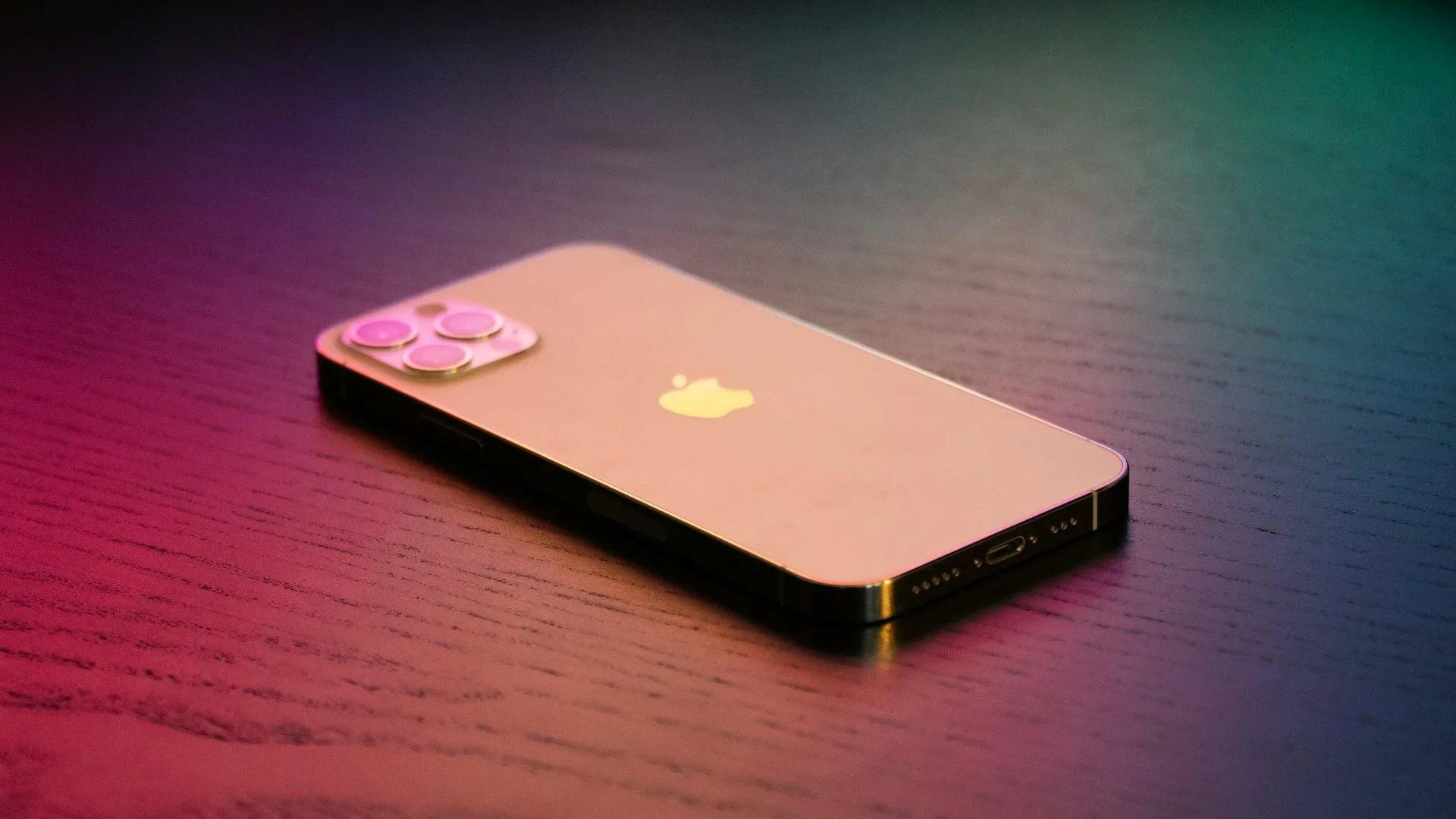
No, your iPhone doesn’t record you while you sleep on its own. iOS doesn’t make overnight audio recordings, and Apple’s Sleep feature doesn’t record sound. An app can record you only if you’ve given it microphone access and it’s running. iOS shows an orange indicator in the status bar whenever any app is using the microphone. (Apple Support)
If you want to hear what happens at night (snoring, sleep talking, a partner’s breathing), you can record on purpose with a sleep app. Below: how to check who can listen, and how to record yourself the private way.
Key Takeaways
- iOS doesn’t record audio overnight by itself, and Apple’s Sleep feature doesn’t record sound. (Apple Support)
- Any app using the microphone triggers the orange dot in the status bar (an orange square if “Differentiate Without Color” is on). (Apple Support)
- Settings > Privacy & Security > Microphone lists every app allowed to use the mic; you can switch any of them off.
- The App Privacy Report shows when each app accessed the microphone over the past seven days.
- To record snoring or sleep talking deliberately, use an app that saves only the relevant clips instead of hours of raw audio.
Can an iPhone Record You Without You Knowing?
Not silently. Since iOS 14, every app that uses the microphone triggers an orange indicator in the status bar, and Control Center shows which app used it most recently. (Apple Support) An app also needs your explicit permission to use the microphone in the first place — iOS asks the first time an app wants it.
So if you’re wondering whether something was listening overnight, there are three places to look:
- The status bar. An orange dot (or orange square) means the microphone is in use right now. A green dot means the camera is in use, with or without the microphone.
- Settings > Privacy & Security > Microphone. Every app that has asked for microphone access is listed here, with a switch to revoke it.
- Settings > Privacy & Security > App Privacy Report. Once it’s turned on, it records when apps accessed the microphone, camera and other sensors over the last seven days — useful for checking what happened while you slept.
Does Apple’s Sleep Feature Record Audio?
No. Apple’s Sleep feature lets you set a sleep schedule, turns on the Sleep Focus, and — if you wear an Apple Watch — tracks your sleep stages from motion and heart rate. (Apple Support) None of that involves recording sound. To hear snoring or sleep talking, you need a separate app that you’ve allowed to use the microphone.
Why People Record Themselves Sleeping
Usually because someone told them something they want to hear for themselves:
- Snoring. “You snore” is easy to doubt until you hear it. A recording also shows when it happens and whether it’s getting better.
- Sleep talking. In a survey of 1,000 adults, 66.8% said they had talked in their sleep at some point in their life, and 17.7% had done so in the previous three months. (Bjorvatn et al., Sleep Medicine)
- Breathing or noises. Coughing, gasping or a partner’s breathing pattern that’s worth mentioning to a doctor.
How to Record Yourself Sleeping (the Private Way)
Voice Memos will record all night, but you’ll wake up to 6–8 hours of raw audio and no way to find the moments that matter. A sleep app that classifies sounds as it goes is far easier to use:
- Install a sleep sound app — for example Snollo, which is free to download and uses the Apple ID you already have.
- Allow the microphone when asked. (You’ll see the orange indicator while it’s recording — that’s iOS doing its job.)
- Place your iPhone within about 1 meter (3 feet) of your head, face-down on the nightstand or on the mattress.
- Tap Start before you sleep. Snollo doesn’t start on its own; nothing is recorded until you tap Start.
- In the morning, check the timeline of snoring, sleep talking, coughing and breathing events, and play back the short clips.
With Snollo, sound is classified on your iPhone. Raw audio is processed in memory and discarded; only the event data and the clips you choose to keep go to your own iCloud, under your Apple ID. For a full walkthrough, see how to record snoring on iPhone, and for sleep talking specifically, how to record sleep talking on iPhone.
If You Share a Bedroom
A recording made in a shared bedroom can capture the other person’s voice too. Tell them before you start — and prefer an app that keeps recordings on your devices rather than uploading them.
Snollo is a sleep tracking app, not a medical device. If a recording shows loud snoring with pauses in breathing, mention it to a doctor — or start with the free sleep apnea risk test.
Sources
- About the orange and green indicators in your iPhone status bar — Apple Support
- Track your sleep on Apple Watch and use Sleep on iPhone — Apple Support
- Prevalence of different parasomnias in the general population — Bjorvatn B et al., Sleep Medicine, 2010
Sources
- About the orange and green indicators in your iPhone status bar — Apple Support
- Track your sleep on Apple Watch and use Sleep on iPhone — Apple Support
- Prevalence of different parasomnias in the general population — PubMed / Sleep Medicine