Monitoraggio del Sonno
Snollo uses on-device AI to track your sleep stages, detect snoring, and measure overnight metrics — all without sending data off your iPhone. These articles explain how the app works: from initial setup and Apple Watch pairing to understanding your sleep score and the science behind stage classification. Whether you are new to Snollo or looking to get more from features you already use, start here.
How to Record Sleep Talking on iPhone (Without 8 Hours of Audio)
Want to hear what you say in your sleep? Record sleep talking on iPhone with an app that saves only the moments you speak — not a whole night of raw audio. Setup, placement and privacy.
Does Your iPhone Record You While You Sleep?
Your iPhone doesn't record audio overnight on its own. An app can, but only with microphone permission, and iOS shows you when it does. Here's how to check, and how to record on purpose.
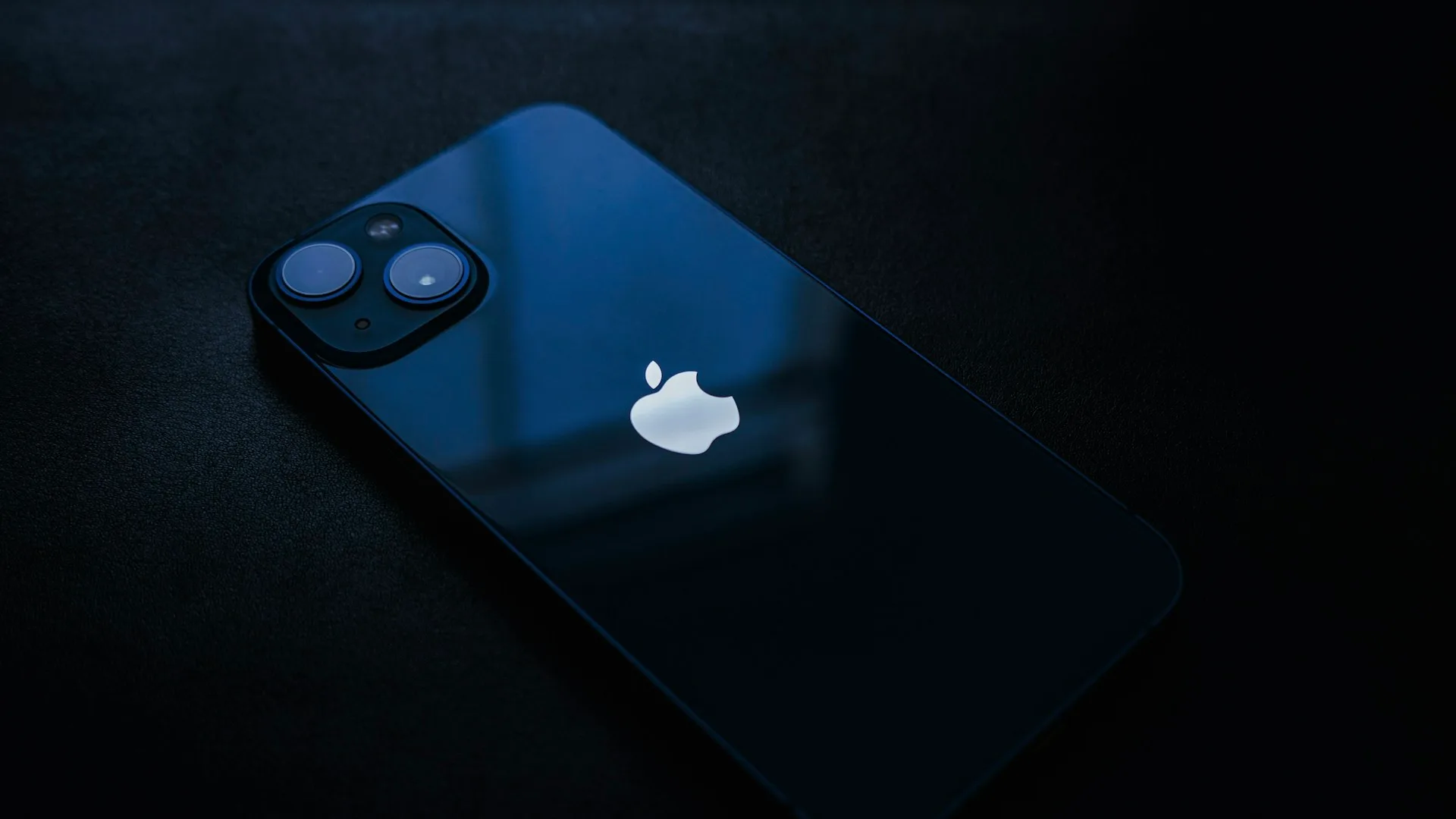
Does the iPhone Track Sleep on Its Own?
Yes — your iPhone tracks sleep timing, estimates your sleep stages, and detects snoring on its own. An Apple Watch adds heart rate and sharper stages. Here's the line.
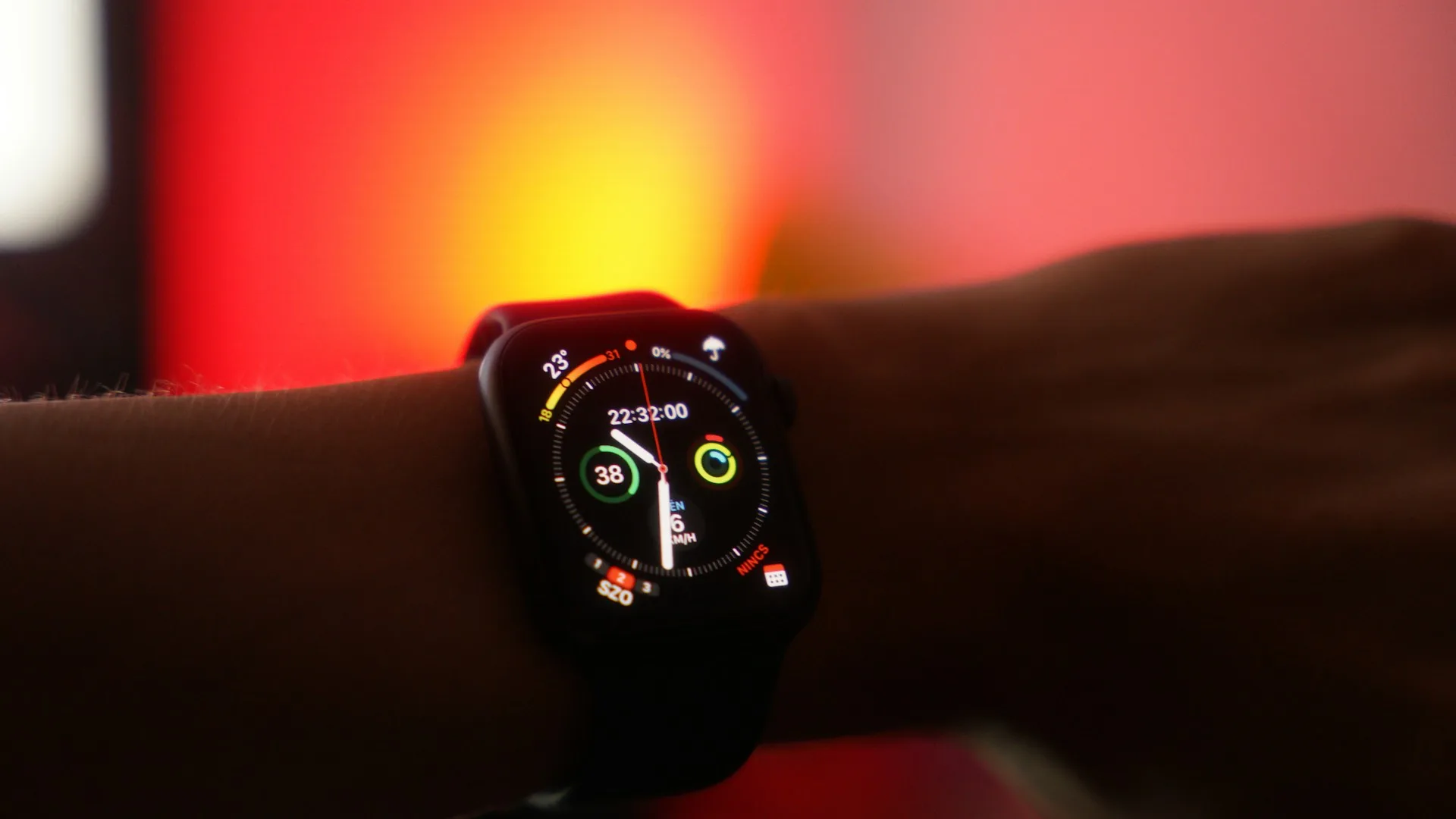
What Does Your Sleep Score Actually Mean?
A sleep score sums up one night — how long you slept, how it split across stages, and how often it broke — into a single number. Here's how to read yours.
How to Set Up Snollo: Complete iPhone Sleep Tracker Setup Guide
Set up Snollo for sleep and snore tracking in under 2 minutes — permissions, iPhone placement, Apple Watch pairing, and what to check if nothing records.
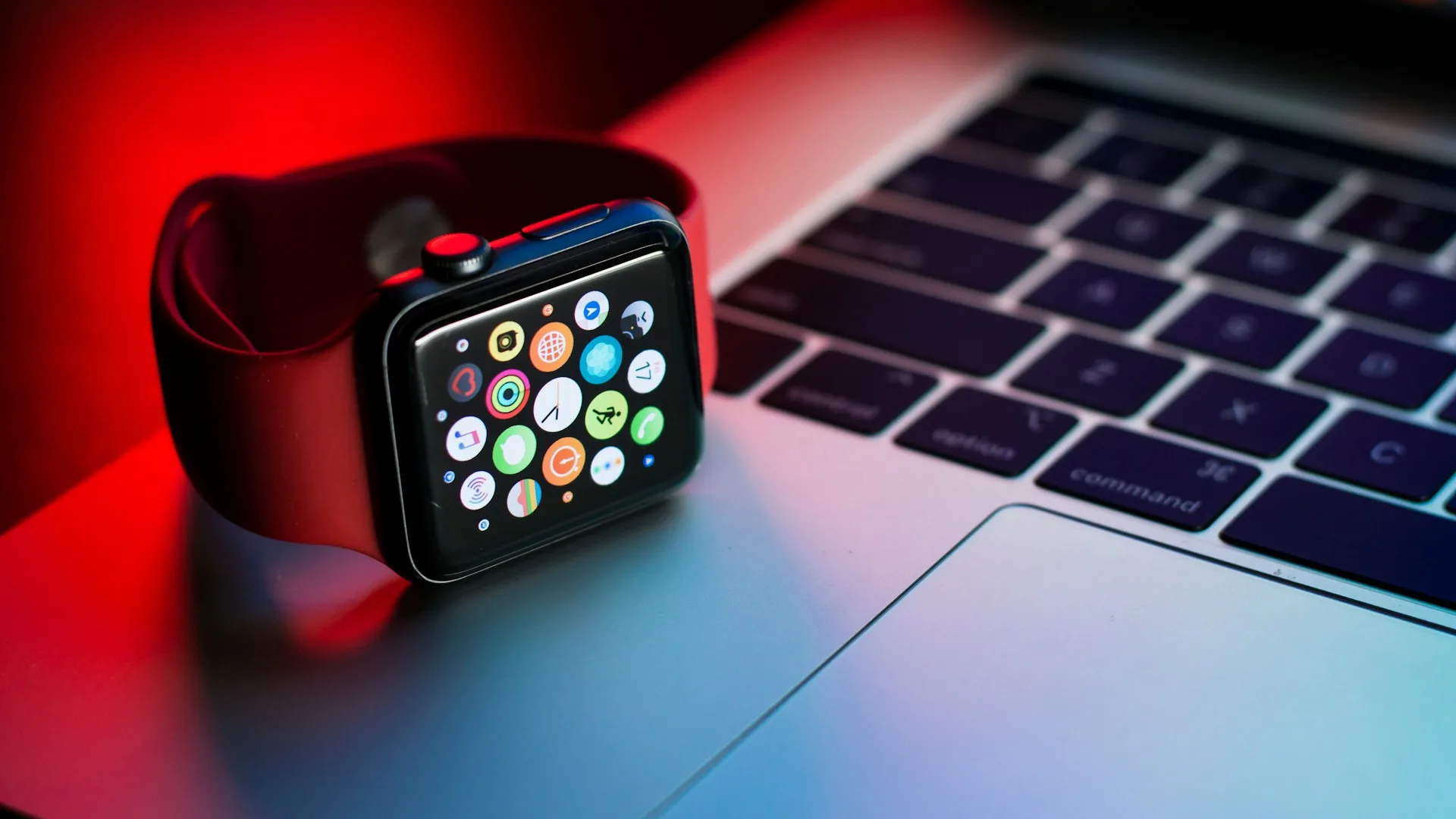
How Accurate Is Apple Watch Sleep Tracking? (What the Research Shows)
Apple Watch identifies light sleep at 86% sensitivity, REM at 83%, deep sleep at 51% vs polysomnography. What peer-reviewed research shows.