Quick Answer (TL;DR)
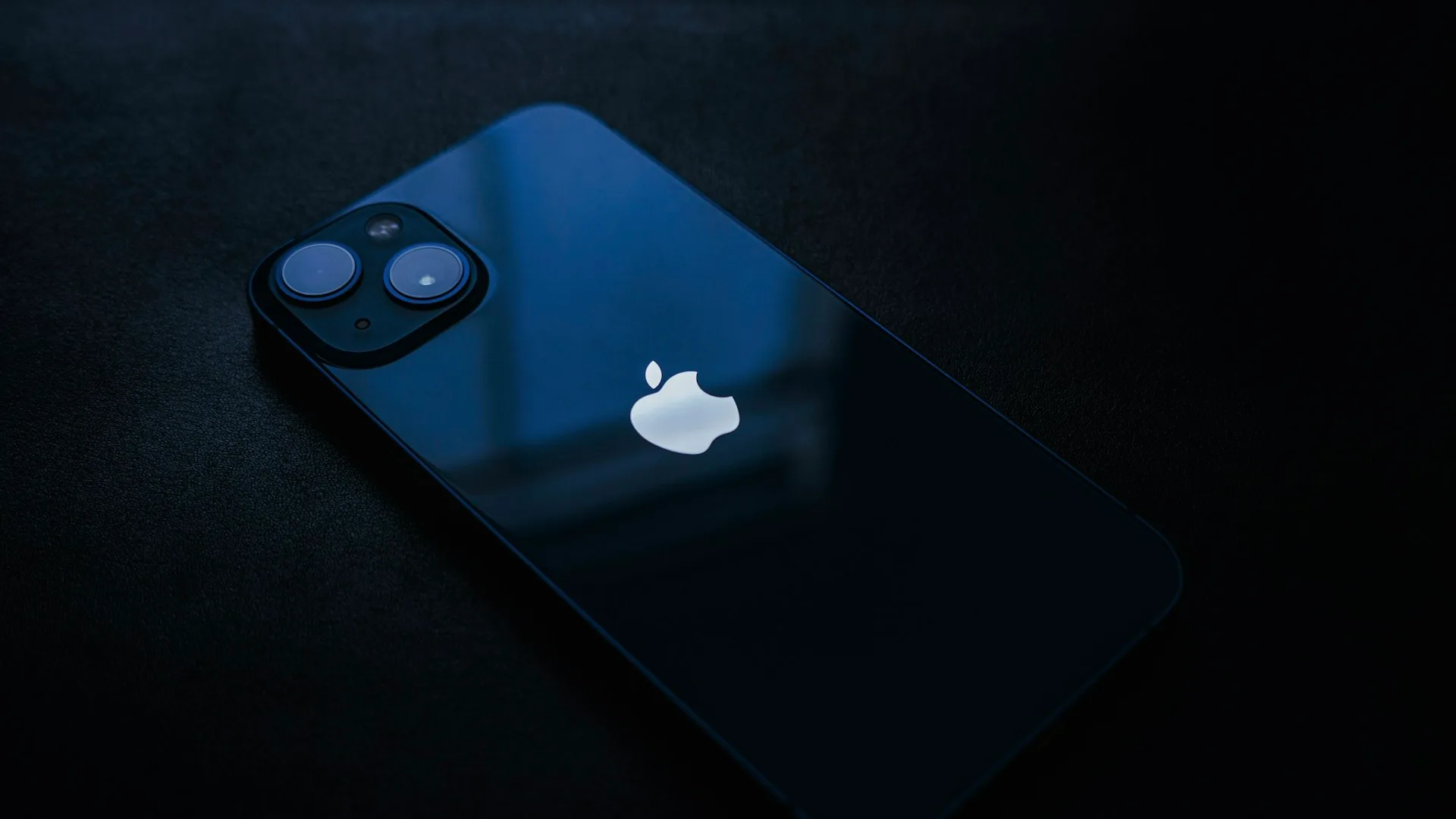
Yes — an iPhone tracks sleep on its own. A sleep tracking app on your iPhone uses the device’s motion sensors to record when you fell asleep and woke up, estimates your sleep stages from movement, and can classify sounds overnight (snoring, coughing, talking) via the microphone. Heart rate, blood oxygen, and respiratory rate require an Apple Watch, which also improves sleep-stage accuracy.
Key Takeaways
- An iPhone running a sleep tracking app can track sleep timing, duration, and an estimated stage breakdown using its built-in motion sensors — no Apple Watch required.
- Sleep stage estimates from motion alone have inherent limitations; research shows adding heart-rate data meaningfully improves accuracy.
- Sleep consists of four stages: light sleep (N1 and N2), deep sleep (N3), and REM. The N1/N2 stages are labeled “Light sleep.”
- An Apple Watch unlocks heart rate, blood oxygen (SpO2), respiratory rate, and wrist temperature overnight — and sharpens the sleep-stage breakdown.
- With Snollo, all audio processing is on-device; data goes to your own iCloud, never to a Snollo server.
What Your iPhone Tracks Without a Watch
Leave your iPhone running a sleep tracking app overnight and it handles three things on its own:
- Sleep timing and duration — when you fell asleep, when you woke, and how long you were down, estimated from the iPhone’s motion sensors (this needs the Motion & Fitness permission).
- An estimated sleep stage breakdown — Deep, REM, and Light (the N1 and N2 stages), inferred from how you move through the night. Research shows that motion alone has inherent limitations for sleep staging, so treat this as a useful estimate of the shape of your night, not a clinical measurement.
- Sound through the night — with microphone access, the app records audio and classifies it on the phone: snoring, breathing, coughing, talking, a crying child, traffic outside. You wake up to a timeline of what happened, not six hours of raw audio.
That last one is the part most people don’t realize an iPhone can do. You can record snoring on your iPhone and listen back to the exact moments — no extra hardware.
What an Apple Watch Adds
Here’s the honest limit. An iPhone on the nightstand can’t touch your body, so it can’t measure:
- Heart rate, blood oxygen (SpO2), and respiratory rate during sleep — Apple Watch tracks all of these overnight, and these need a sensor on your wrist.
- More accurate sleep stages. The iPhone estimates your stages from motion; adding heart-rate data has been shown to meaningfully improve sleep-stage accuracy — one study found motion-only staging around 56% accurate versus 79% when heart rate was added. An Apple Watch provides that heart-rate signal.
Snollo reads this physiological data from Apple Health, and Apple Health gets it from an Apple Watch you wear to bed. Without the watch, you keep sleep duration, timing, an estimated stage breakdown, and snore detection — the watch mainly buys you accuracy and your overnight vitals.
Snollo is a sleep tracking app for iPhone. It records audio overnight using on-device sound classification, tracks sleep duration and estimates sleep stages from iPhone motion, and reads heart rate and blood oxygen from Apple Health when you wear an Apple Watch for more accurate stages. Sleep data stays on your device and in your own iCloud. Snollo does not diagnose or treat any medical condition.
So Is iPhone-Only Tracking Enough?
It depends on what you’re after.
iPhone alone is enough if you mainly want to know whether you snore, how long you actually sleep, the rough shape of your stages, and what’s making noise at night. That’s a real, useful picture — and it’s the most common reason people start tracking.
Add an Apple Watch if you want better sleep-stage estimates, plus heart rate and blood oxygen — or to watch your heart rate settle as you fall asleep.
You don’t have to decide up front. Start with just your iPhone tonight, and the heart-rate detail and sharper stages switch on automatically the first night you wear a watch. For a closer look at the no-watch setup, see the iPhone sleep tracker guide or tracking snoring without an Apple Watch. Still weighing a wearable against phone-only tracking? Our best sleep tracking apps roundup covers both.
Getting Started Tonight
- Install a sleep tracking app — download Snollo from the App Store. It’s free to start and uses the Apple ID you already have — no separate account. (To compare options first, see the best free sleep tracker apps for iPhone.)
- Allow Microphone and Motion & Fitness when asked. Without them, the iPhone-only mode can’t fill in sound and movement detail.
- Place the phone face-down on the nightstand within a few feet of your head, and plug it in.
- Tap start, sleep normally, and check your timeline in the morning.
Tonight is night one. That’s all it takes to find out what your iPhone already knows about your sleep.
Snollo does not diagnose or treat any medical condition. If you notice loud, frequent snoring with pauses in breathing, mention it to a doctor.
Sources
- Track your sleep on Apple Watch and use Sleep on iPhone — Apple Support
- Track your overnight vitals with Apple Watch — Apple Support
- Stages of Sleep — National Heart, Lung, and Blood Institute (NHLBI)
- Stages of Sleep: What Happens in a Sleep Cycle — Sleep Foundation
- AI-Driven sleep staging from actigraphy and heart rate — PLOS One / PubMed Central
- A systematic review of the performance of actigraphy in measuring sleep stages — Journal of Sleep Research / PubMed Central
Sources
- Track your sleep on Apple Watch and use Sleep on iPhone — Apple Support
- Track your overnight vitals with Apple Watch — Apple Support
- Stages of Sleep — National Heart, Lung, and Blood Institute (NHLBI)
- Stages of Sleep: What Happens in a Sleep Cycle — Sleep Foundation
- AI-Driven sleep staging from actigraphy and heart rate — PLOS One / PubMed Central
- A systematic review of the performance of actigraphy in measuring sleep stages — Journal of Sleep Research / PubMed Central