Quick Answer (TL;DR)
No, the Apple Watch does not natively record or detect snoring sounds. While it is one of the most capable consumer sleep trackers available, it does not use a microphone to record audio during sleep. Instead, it uses its accelerometer and optical heart rate sensor to track movement, heart rate, and — on newer models — breathing disturbances. A 2024 open-access study published in PMC (PMC11511193) compared Apple Watch Series 8 against in-lab polysomnography (PSG) in 35 adults and found sensitivities of approximately 86% for light sleep and 82% for REM, but only around 51% for deep sleep. Snoring sounds are not part of what Apple Watch measures at all.
To detect and record snoring sounds, you need to pair your Apple Watch data with a secure, microphone-enabled iPhone app. Here is exactly what the Apple Watch tracks, what it cannot do, and the most privacy-respecting way to add real snore detection to your sleep data.
Key Takeaways
- Apple Watch limitations: It detects motion and heart rate during sleep, but does not record audio, sleep talking, or snoring.
- Sleep stage accuracy: A 2024 peer-reviewed PMC study found Apple Watch Series 8 sensitivity of ~86% for light sleep, ~83% for REM, and ~51% for deep sleep vs. in-lab polysomnography — with only moderate overall agreement (Cohen’s kappa 0.60).
- Sleep Apnea Notification feature: Apple Watch Series 9, Series 10, and Ultra 2 (watchOS 11) detect breathing disturbances via accelerometer — not sound — and received FDA 510(k) clearance in September 2024.
- The solution: Third-party iPhone apps use your phone’s microphone to capture audio while syncing with Apple Watch health data.
- Privacy matters: Some popular snoring apps send bedroom audio to cloud servers. Apps that classify sounds on-device keep that processing on your iPhone.
What Does Apple Watch Actually Measure During Sleep?
Basic sleep duration tracking on Apple Watch was introduced with watchOS 7 (2020) for Series 3 and later. Detailed sleep stage tracking — Light, Deep, and REM — requires watchOS 9 or later, which is supported on Series 4 and later. While you sleep, Apple Watch can track:
- Movement: The built-in accelerometer detects when you are still versus restless, the primary input for sleep/wake classification.
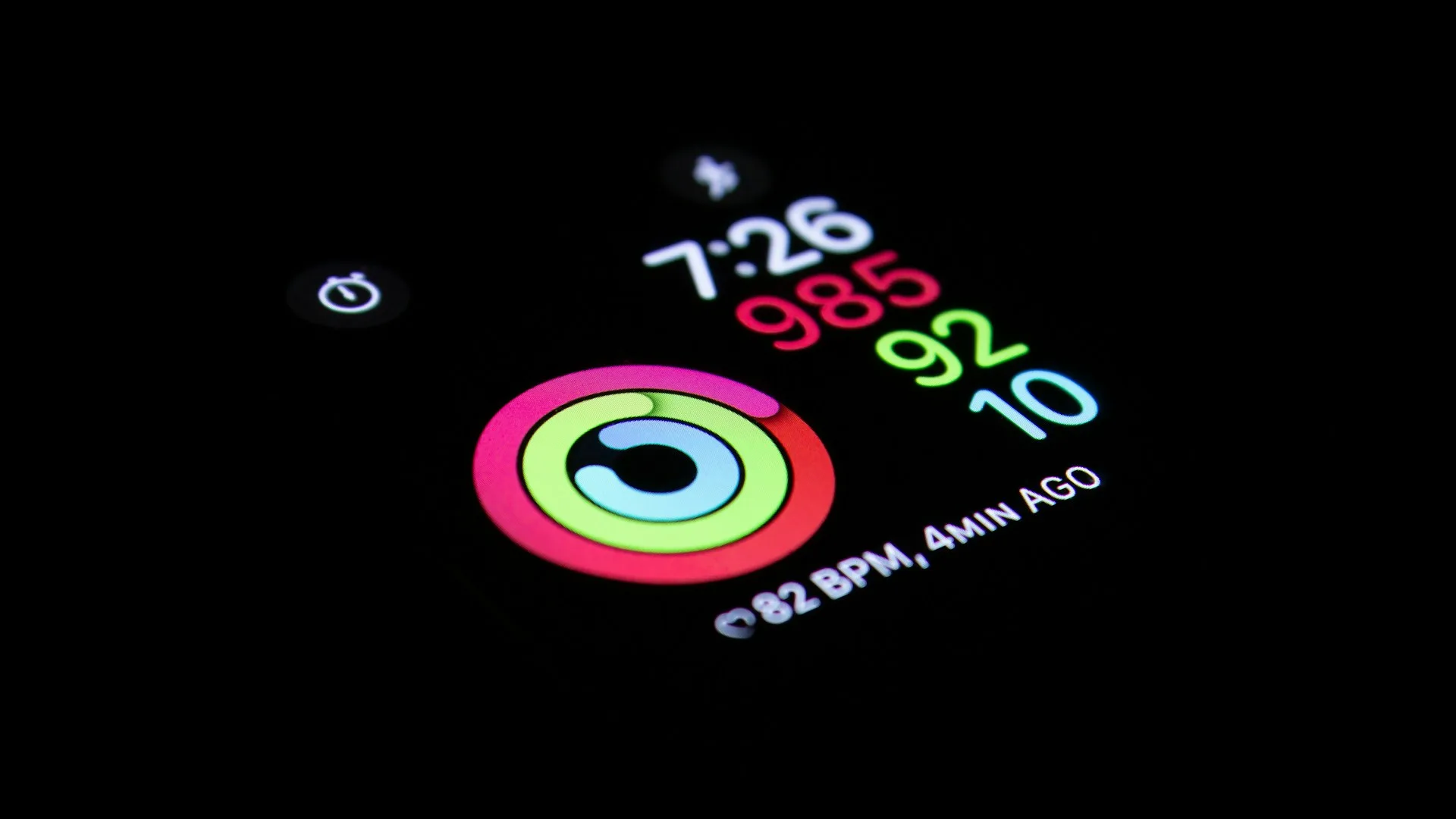
- Heart Rate: The optical heart rate sensor samples your pulse throughout the night to help estimate sleep stages (Light, Deep, and REM) on supported models.
- Breathing Disturbances: Available on Apple Watch Series 9, Series 10, and Ultra 2 running watchOS 11, this feature uses the accelerometer to detect irregular wrist movements associated with interrupted breathing, evaluated over a 30-day window. (Apple Support)
- Blood Oxygen (SpO₂): Apple Watch Series 6 or later (excluding SE models) can take periodic spot-check readings of blood oxygen saturation during sleep when sleep tracking is enabled. (Apple Support) Note: this feature is for general wellness purposes only and is not intended to diagnose medical conditions.
- Wrist Temperature: Apple Watch Series 8 or later, all Ultra models, and SE 3 measure nightly wrist temperature variation relative to a personal baseline after approximately five nights of data collection. (Apple Support)
How Accurate Is Apple Watch Sleep Stage Tracking?
This question matters because snoring context — knowing which stage you were in when snoring peaked — is only useful if the stage data is reliable.
An independent 2024 study published in open-access PMC (PMC11511193) compared Apple Watch Series 8 against overnight in-lab polysomnography — the clinical gold standard (NHLBI) — in 35 healthy adults aged 20–50. Key findings for Apple Watch:
| Sleep Stage | Apple Watch Sensitivity (vs. PSG) |
|---|---|
| Light sleep (Core) | ~86% |
| REM sleep | ~83% |
| Deep sleep (Slow-wave) | ~51% |
Cohen’s kappa for Apple Watch was 0.60, indicating moderate agreement with PSG. The study also found that Apple Watch significantly underestimated deep sleep duration (by ~43 minutes) and overestimated light sleep duration (by ~45 minutes) at the group level, though precision for identifying correctly-labelled deep sleep epochs was higher (~88%).
A second 2025 open-access study (PMC12038347) validated six consumer wrist devices, including Apple Watch Series 8, against PSG. Apple Watch showed the highest Cohen’s kappa among tested devices (κ = 0.53) and the best light sleep sensitivity (83%) and REM sensitivity (69%) in that cohort, while still significantly underestimating deep sleep duration.
The American Academy of Sleep Medicine (AASM) position statement notes that consumer sleep technology cannot be used to diagnose or treat sleep disorders and that patient-generated data from these devices should be considered only “in the context of a comprehensive sleep evaluation.” (AASM position; PMC full text)
For practical use: Trust long-term trends (is your REM increasing or decreasing week-over-week?) more than single-night absolute numbers. Deep sleep detection has the weakest accuracy across all consumer wrist wearables tested — this reflects the fundamental limitation of using wrist-based heart rate proxies rather than the scalp EEG signals used in clinical sleep studies.
What the Apple Watch Cannot Measure
Because Apple Watch’s sleep tracking uses motion and heart rate sensors rather than audio, it cannot track:
- Snoring sounds or volume
- Sleep talking
- Coughing or environmental noise
The Breathing Disturbances metric can flag nights with irregular motion patterns consistent with interrupted breathing, but it will not identify whether the root cause is snoring, positional breathing changes, or general restlessness.
If you are getting a full night in bed but still feel unrefreshed in the morning, sleep quality — not just total time — is often the missing factor.
How Third-Party Apps Add Real Snore Tracking
To actually detect snoring, you need to use your iPhone’s microphone. The most complete sleep tracking setups pair two data sources:
- iPhone Microphone: Records audio throughout the night, running on-device machine learning models to classify sounds in real time (snoring, breathing, coughing, sleep talking).
- Apple Watch Sensors: Provides heart rate and motion data to map sleep stages through Apple Health.
Apps that combine both sources give you context: instead of just knowing “you snored,” you learn “you snored for 23 minutes during Light Sleep at 2:30 AM, coinciding with an elevated heart rate.”
The Privacy Problem with Snoring Apps
If you are tracking snoring, you are recording audio in your bedroom for 6 to 8 hours a night. Many popular snoring apps send this audio to cloud servers for processing.
Comparison of Popular Sleep Apps and Audio Privacy:
| App | Audio Processing | Data Storage |
|---|---|---|
| Snollo | On-device classification | Your own iCloud — under your Apple ID |
| SnoreLab | Server-side | Cloud |
| Sleep Cycle | Server-side | Cloud — App Store label notes it “may track across apps” |
| Pillow | On-Device | On-Device |
| AutoSleep | No audio | N/A |
Always review the App Store privacy label before downloading any app that records bedroom audio. (For a broader look at your options, see the free sleep tracker apps worth downloading.)
How Snollo Tracks Snoring (While Keeping Your Data Private)
Snollo runs snore detection entirely on your iPhone — classification happens on-device, in real time.
Here is how the process works:
- Raw audio stays in memory: Your iPhone mic captures audio, which is processed immediately in the device’s temporary memory. It is never written to persistent local storage or transmitted to the web.
- Sub-second on-device classification: The model identifies snoring, coughing, and sleep talking in real time.
- iCloud sync: Only the metadata (timestamps, sound categories, and intensity graphs) is saved to your own iCloud, under your Apple ID — syncing across the Apple devices you sign into.
Zero bytes of audio leave your device. There are no external servers, no mandatory accounts, and no way for third parties to access your sleep data.
Step-by-Step: How to Track Snoring with Snollo and Apple Watch
Setting up private snore tracking takes less than a minute:
- Download Snollo for free from the iOS App Store — it uses the Apple ID you already have.
- Wear your Apple Watch to bed so Snollo can read heart rate and sleep stage data through Apple Health. (Optional, but recommended for context.)
- Place your iPhone near your bed, ideally face-down on your nightstand or mattress.
- Tap “Start Session” before going to sleep.
- Review your data in the morning: open the app to view your sound event timeline, listen-back clips, sleep stage breakdown, and overall sleep quality score.
For full setup instructions and placement tips, see How to set up Snollo or How to record snoring on iPhone.
Does Apple Watch’s Sleep Apnea Feature Detect Snoring?
No. Apple’s Sleep Apnea Notification feature detects motion-based breathing disturbances, not the sound of snoring.
Available on Apple Watch Series 9, Series 10, and Ultra 2 running watchOS 11 or later, this FDA-cleared feature uses the accelerometer to look for wrist movement patterns associated with interrupted breathing. If it detects signs consistent with moderate-to-severe sleep apnea across at least 10 nights in a 30-day period, it sends a health notification. (Apple Support; AASM)
The feature received FDA 510(k) clearance on September 13, 2024. It is a screening tool only — the AASM position is that a formal diagnosis of sleep apnea requires a sleep study ordered and interpreted by a physician. (AASM clinical guideline, PMC5337595)
While snoring is a common symptom reported alongside obstructive sleep apnea, not all people who snore have sleep apnea, and not all people with sleep apnea snore loudly. (Sleep Foundation; AASM)
How the two approaches complement each other:
- Apple Watch Sleep Apnea Notifications: Flags irregular physical breathing patterns detected by accelerometer over 30 days. (FDA-cleared screening tool.)
- Snollo Snore Detection: Records and categorizes actual audio events each night. (Lifestyle and tracking tool.)
If Snollo shows heavy snoring every night, and your Apple Watch shows frequent breathing disturbances, that is a meaningful pattern worth discussing with a doctor or sleep specialist.
For more detail on distinguishing snoring from sleep apnea, see How to know if you have sleep apnea without a sleep study.
Snollo does not diagnose or treat any medical condition. It is a sleep tracking and sleep insights app — useful for spotting patterns and discussing them with a doctor, not a substitute for clinical assessment.
Sources
- Accuracy of Three Commercial Wearable Devices for Sleep Tracking in Healthy Adults — PubMed Central / MDPI Sensors, 2024
- A performance validation of six commercial wrist-worn wearable sleep-tracking devices for sleep stage scoring compared to polysomnography — PubMed Central / SLEEP Advances, 2025
- Consumer Sleep Technology: An American Academy of Sleep Medicine Position Statement — PubMed Central / Journal of Clinical Sleep Medicine, 2018
- Sleep apnea notifications on your Apple Watch — Apple Support
- Apple Watch Series 10 features sleep apnea notifications — American Academy of Sleep Medicine
- Is it more than a snore? Recognizing sleep apnea warning signs — American Academy of Sleep Medicine
- Is It Snoring or Is It Sleep Apnea? — Sleep Foundation
- Sleep Studies — National Heart, Lung, and Blood Institute (NIH)
- How to use the Blood Oxygen app on Apple Watch — Apple Support
- Track your nightly wrist temperature changes with Apple Watch — Apple Support
- Consumer sleep technology is no substitute for medical evaluation — American Academy of Sleep Medicine
- Clinical Practice Guideline for Diagnostic Testing for Adult Obstructive Sleep Apnea — PubMed Central / Journal of Clinical Sleep Medicine (AASM)
Sources
- Accuracy of Three Commercial Wearable Devices for Sleep Tracking in Healthy Adults — PubMed Central / MDPI Sensors
- A performance validation of six commercial wrist-worn wearable sleep-tracking devices for sleep stage scoring compared to polysomnography — PubMed Central / SLEEP Advances
- Consumer Sleep Technology: An American Academy of Sleep Medicine Position Statement — PubMed Central / Journal of Clinical Sleep Medicine
- Sleep apnea notifications on your Apple Watch — Apple Support
- Apple Watch Series 10 features sleep apnea notifications — American Academy of Sleep Medicine
- Is it more than a snore? Recognizing sleep apnea warning signs — American Academy of Sleep Medicine
- Is It Snoring or Is It Sleep Apnea? — Sleep Foundation
- Sleep Studies — National Heart, Lung, and Blood Institute (NIH)
- How to use the Blood Oxygen app on Apple Watch — Apple Support
- Track your nightly wrist temperature changes with Apple Watch — Apple Support
- Consumer sleep technology is no substitute for medical evaluation — American Academy of Sleep Medicine
- Clinical Practice Guideline for Diagnostic Testing for Adult Obstructive Sleep Apnea — PubMed Central / Journal of Clinical Sleep Medicine (AASM)